
In this article:
⤷ Player Profile
⤷ Navigator (Server Menu)
⤷ Gadget Slot
⤷ Cosmetics Chest
⤷ Gamemode NPCs
⤷ Scoreboard
 Player Profile
The first item in your hotbar, your Player Profile
, opens on right-click. This is your hub for stats, quests, and account-related actions.
Profile Header
At the top of the menu, you'll see your player head along with your current rank, display name, and the date you joined Mythrend.
 Quests & Achievements
Opens a menu showing global milestones and any gamemode-specific quests or achievements currently available to you.
 Leveling
Shows your Network Level, which represents your overall progress across every gamemode on Mythrend. Leveling up in any gamemode contributes to this.
 Statistics
Opens a list of gamemodes, each showing your level, progress to the next level, and other tracked stats for that gamemode.
 Discord Linking
Lets you link your Minecraft account to your Discord account for a one-time Essence reward. See How to Link Discord In-Game for the full walkthrough.
 Settings
Currently marked as Coming Soon. This will eventually let you toggle things like lobby player visibility and who can message you.
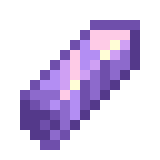 Mythical Essence
Displays your current Essence balance. Clicking this takes you straight to the Mythical Essence store page if you'd like to purchase more. See What is Mythical Essence? to learn how Essence works and how to earn it.
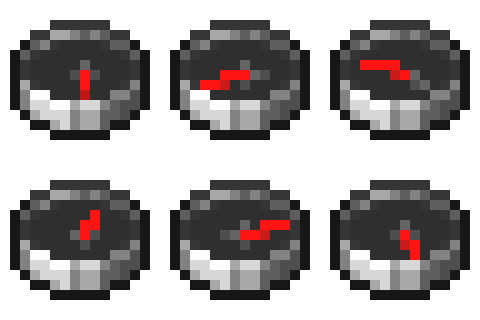 Server Menu
The compass
in your hotbar opens the Server Menu on right-click, your gateway to every gamemode on Mythrend.
Voting Rewards
At the top of the menu, you'll find a button to vote for Mythrend. Each vote earns you +5 Mythical Essence. See How to Vote for Mythrend & Earn Rewards for more details.
Gamemode Tiles
Each available gamemode has its own tile showing a short description, whether it's currently online, and how many players are active. This player count reflects everyone currently in that gamemode's world, including its lobby, arenas, and any sub-areas (for example, Survival's count includes the Overworld, Nether, and End).
Return to Hub
A button at the bottom of the menu shows the main Lobby's status and player count, and teleports you back to the Lobby from anywhere.
Gadget Slot
Your hotbar comes with a default Gadget equipped, a throwable
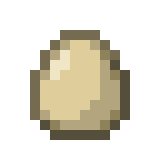 egg that makes a cracking sound when it hits another player. It's purely for fun! You can change your equipped gadget, along with other cosmetics, through the Cosmetics Chest below.
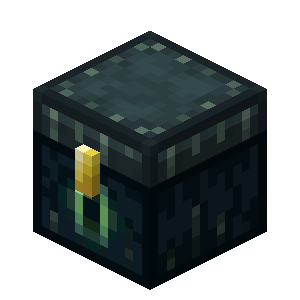 Cosmetics
The last item in your hotbar, your Cosmetics
menu, opens on right-click, where you can equip hats, gadgets, pets, particle effects, and more.
From here, you can also teleport to the Cosmetic Preview World, where every cosmetic is temporarily unlocked so you can try things out before deciding what to equip. For a full breakdown of available cosmetics and categories, see Cosmetics & the Preview World.
Gamemode NPCs
Around the Lobby, you'll find NPCs for each of Mythrend's gamemodes. Clicking one will take you to that gamemode's world, for example, the Survival NPC sends you to the Survival lobby, where you'll meet the quest NPCs and can start playing right away.
Scoreboard
The scoreboard on the side of your screen gives you a quick overview of your Network Level, Rank, and Mythical Essence balance, along with your current ping and the number of players online.
Now that you know your way around, check out Useful Mythrend Commands for shortcuts to get around faster, or head to Ranks on Mythrend to see what you can unlock!