
In this article:
⤷ Before You Start
⤷ Linking Your Account
Before You Start
You'll need to be a member of the official Mythrend Discord before you can link your account, this is how our bot verifies and communicates with you. If you haven't joined yet, see How to Join the Mythrend Discord Community.
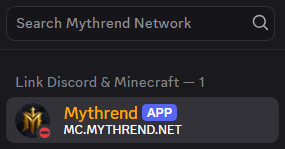
Once you've joined, you'll notice the Mythrend bot listed at the top of the member list in its own role category.
Linking Your Account
Step 1:
In-game, open your  Player Profile and select Discord, or run
 /discord link.
Step 2:
You'll receive a 4-digit code in chat.
Step 3:
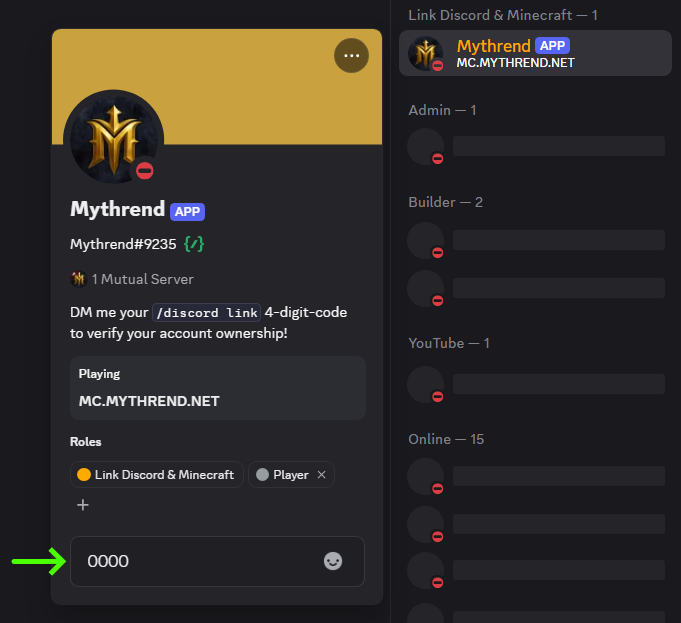
Open Discord and send that code as a direct message to the Mythrend bot.
Step 4:
Once verified, your Minecraft and Discord accounts will be linked, and you'll receive a one-time reward of +50 Mythical Essence.
If you ever need to unlink your account, you can shift-click the Discord option in your Player Profile to disconnect it.
Want to know what else Essence can do? Check out What is Mythical Essence?.